AWS vs Firebase – What To Use For Mobile App Backend?
MBaas Firebase is a technology that lets you link the mobile app with your backend cloud storage API. Thanks to firebase implementations. It’s easy to make…

To meet the increasing demand for tech-savvy customers the world is moving at an ultra-fast pace. A few years back we were more into desktops but with the changing technology and emergence of the mobile era, the world is shifting to mobile. The increase in the number of smartphone users reflects how important it is for businesses to have a mobile app.
Mobile internet users surpassed the number of desktop internet users in 2013-14. This was the start that turned into an explosion of mobile internet users. Several businesses became the initial adopters of the mobile application, with the passage of time the world entered the era of serverless architecture. Let’s take a deep dive into what serverless architecture is? But before it, you need to know the two terms “Amazon AWS” and “Google Firebase” that are the two buzz words in mobile application development. The ease of navigating in an app, quick and easy social media integrations and benefits of cloud storage are a few benefits why AWS and Firebase are being used by mobile app developers.
Understanding the Serverless Architecture
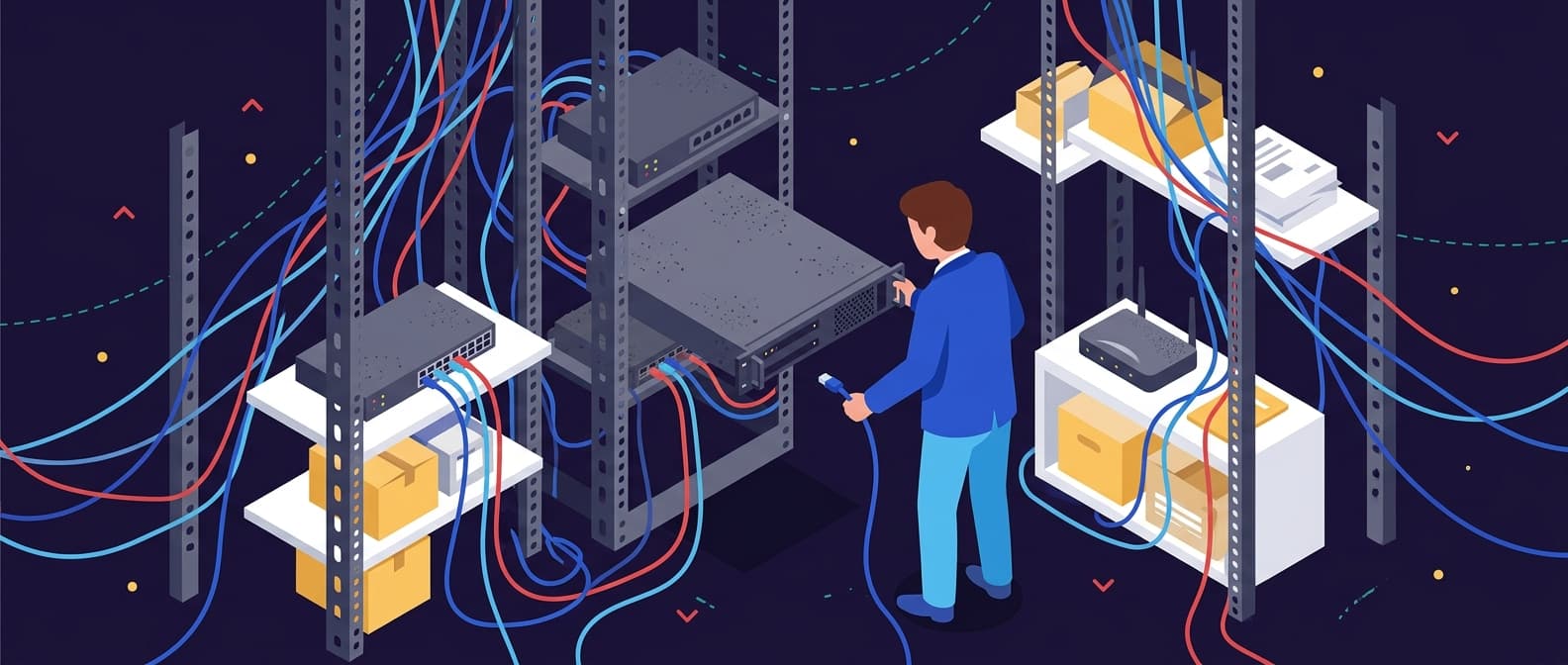
The traditional server was a single server which executes a process after receiving a request and gives a response accordingly. Here the server was responsible for multiple processes including processing, tracking, authentication and much more. The traditional servers had a big load. However, the emergence of smart serverless architecture has shown a shift from traditional to microservice architecture. The serverless runs as per need, only when a request is received. Unlike the traditional servers, it does not run continuously for 24 hours.
The benefit of the serverless architecture is that every function runs smoothly without overlapping with others which leads to fast and less complicated processing.
AWS and Firebase for Mobile Backend
You can use any of the two services for your mobile app backend, but before you make a choice let’s know what these services have to offer:
Let’s take a look at AWS:
AWS offers a number of services that eases the job of mobile app developers. AWS Lambda allows you to quickly implement event-driven architectures without requiring any persistent resources. You can use this service to host backend logic for your mobile apps. The best feature is that the code is automatically run by Lambda in response to events, and on an as-needed basis, the resources are allocated to resolve requests.
Reading and writing to a local data store is supported by Amazon Cognito Sync service, with this, your app can work the same way both online and offline.
The AWS Reference Architecture provides a RESTful mobile backend infrastructure which makes use of AWS managed services for addressing common requirements for backend resources.
To build REST APIs for secure access of backend services by mobile apps, developers can use Amazon API Gateway. This service, when combined with AWS Lambda, results in completely serverless APIs.
Let’s take a look at Firebase:
Google has transformed Firebase from Mobile-Back-end-as-a-Service (MBaaS) to an impeccable back-end solution for web and mobile app development. Firebase has a powerful SDK and one console for creating and managing applications across web, Andriod and iOS. Firebase SDK supports many programming languages, Java, C++, Swift, JavaScript, JavaScript and Node.js among others. It also supports Backbone, Angular, and React through bindings to the database. Test Lab allows testing on an app on real devices, but this feature is only available for Andriod. Remote Config feature of Firebase allows app developers to make changes to the appearance or behaviour of an application without needing to download a new version.
Google offers a number of helper libraries, Geofire, FirebaseUI, FirebaseJobDispatcher and Firebase Queue. The name indicates the purpose of the libraries. Besides all these features, Firebase has Firebase Cloud Messaging (FCM), NoSQL database for storing JSON data, integration with Google AdMob, and also supports integration with ElasticSearch and importing large JSON data sets.
Main Differences Between AWS and Firebase?
• AWS provides both managed and non-managed services, while Firebase offers only a managed service
• AWS works with proprietary and open-source products, whereas Firebase is a proprietary technology from Google.
• AWS is Infrastructure as a Service provider, whereas Firebase is a Backend as a Service.
• Firebase runs on top of Google Cloud.
• AWS is more flexible in comparison to Google Firebase.
• In comparison to Firebase, for some services, AWS is cheaper.
• Bit of a learning curve to AWS as compared to Firebase.
Firebase has a powerful SDK, but AWS offers 10 times the services Firebase offers.
Which One Should You Choose?
Now you know what AWS or Google’s Firebase has to offer for mobile app development, the choice of technology is your calling. Choose any of the two based on the project requirement. Both AWS and Firebase offer a plethora of features that make the job of an app developer much easier. What would you like to use for mobile backend and why? How is your experience with these services? Tell us in the comments below.
Cloud migration and modernization
Plan, migrate and keep systems patched without stopping the business.
See cloud services
Krishna is the Founder and CEO of Webuters, a technology leader specializing in Generative AI, intelligent automation, enterprise software, and digital transformation. He helps organizations leverage emerging technologies to drive innovation, operational efficiency, and business growth. Through his writing, Krishna shares insights on AI adoption, technology leadership, product innovation, and the future of work, helping leaders navigate change and build future-ready organizations.
Follow Krishna on LinkedIn